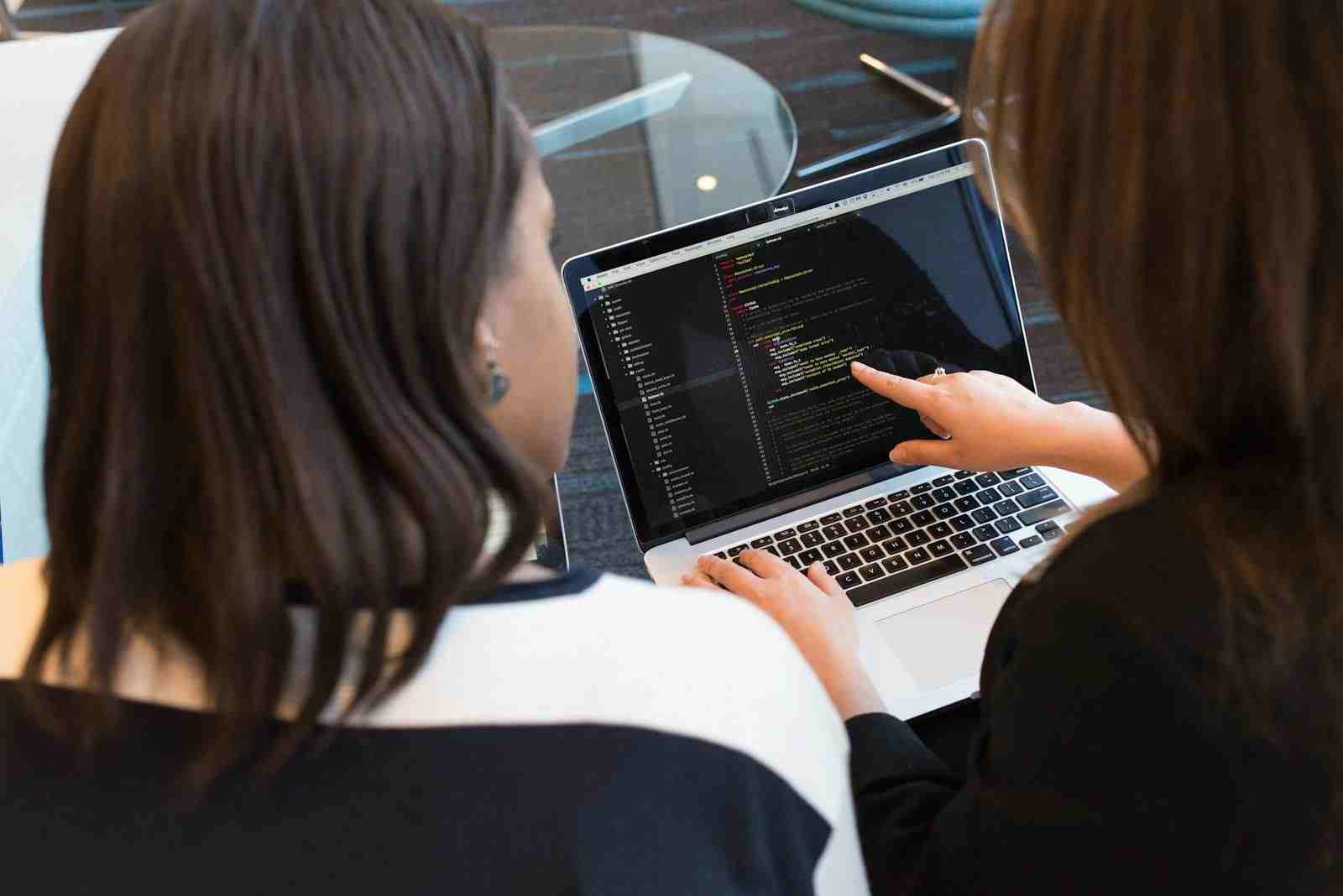
Can PCF help in identifying and optimizing user workflows based on interaction data within custom controls in Dynamics 365?
The Digital Detective: How Smart Computer Parts Are Learning How We Work
Have you ever tried to do a puzzle, only to find some pieces just don’t fit right? Or maybe you’re building with blocks, and you wish one special block could do something new, something no other block can? Think about your school projects, or even just setting up your toys. Sometimes, the tools you use don’t quite match how you like to work. They might make a simple task feel tricky, or a quick job take a long, long time.
What if your computer could watch you work, like a kind and helpful friend, and then whisper ideas on how to make things smoother? What if it could see where you struggle, where you pause, or where you take extra steps, and then gently suggest a better way? This isn’t magic from a storybook. It’s happening right now with special computer tools, and it’s changing how people do their jobs in big digital workspaces.
At the heart of this clever change are things called PCF controls. Imagine them not just as ordinary computer buttons or screens, but as super-smart, custom-built pieces that can do special tricks. They live inside huge digital ‘offices’ like Dynamics 365, where many people spend their days doing important work. And here’s the cool part: these special pieces don’t just do things; they can also see how you use them. They’re like quiet detectives, watching for clues to make everyone’s work life easier and less frustrating.
Peeking Behind the Digital Curtain: What Are These “Smart Parts”?
So, what exactly are these PCF controls? Think of Dynamics 365 as a giant digital town. Inside this town, people have many jobs to do: helping customers, selling things, keeping track of money. To do these jobs, they use lots of digital tools—forms to fill out, lists to check, buttons to press.
Most of these tools are like standard buildings in our digital town. They’re useful, but sometimes, a job needs something very specific. Maybe a new kind of special door, or a custom-designed window that shows just the right information at the right time. That’s where PCF (which stands for “Power Apps Component Framework”) comes in.
PCF lets smart computer builders create these custom parts. They are like special LEGO blocks you design yourself. These blocks aren’t just pretty; they have superpowers. One superpower is that they can collect tiny bits of information about how a user interacts with them. This isn’t about knowing what someone had for lunch! It’s about knowing how they click, where their mouse moves, how long they look at something, and what order they do things in. Every tiny touch, every digital tap, every moment of hesitation—it all leaves a trail.
Why do we need these custom parts? Because people’s jobs are often unique. A standard button might work for most, but a special team might need a button that does three things at once, or a screen that shows information in a completely new way. Before PCF, making these special parts was much harder, like trying to build a custom treehouse with only ready-made planks. Now, with PCF, it’s like having a whole workshop where you can design exactly what you need.
And the real magic isn’t just building these custom parts. The magic is that these parts can learn.
The Clues They Gather: Understanding Interaction Data
Imagine you’re watching a friend build a tall tower of blocks. You see them pick up a block, try to fit it, maybe turn it around, and then place it just so. You notice they always put the red blocks on the bottom, and they always pause before adding the very top piece. These observations are like “interaction data.” You’re gathering clues about how they build.
In the digital world, “interaction data” is just like that. When someone uses a PCF control, the control can gently note:
* Where they click: Did they press the big green button or the small blue one?
* What they type: Are they filling out a name, a number, or a date?
* How long they take: Do they hesitate before making a choice? Do they quickly move past certain parts?
* The order of their steps: Do they fill out part A, then part C, then go back to part B?
This isn’t about judging anyone. It’s like a friendly digital detective taking notes. These notes aren’t about who you are, but about how you do your work. They’re clues that tell a story about efficiency, about common paths, and sometimes, about unexpected detours.
Think about a salesperson in Dynamics 365 trying to add a new customer. They might fill out the customer’s name, then their phone number, then their email address. A PCF control watching this might notice: “Yes, nearly everyone who enters a customer first fills in the name, then the phone, then the email, even if the computer screen shows the email spot first.” That’s a valuable clue! It tells us something about how humans naturally work, even if the computer isn’t set up that way yet.
Collecting these clues, quietly and respectfully, is the first big step. It’s like mapping out a forest trail. You see where people walk often, where they pause to look at something, and where the path gets a little overgrown. Without these clues, we’re just guessing where the trail should go.
Building Better Paths: How Data Helps Workflows
So, we have our smart custom controls (PCF) gathering clues (interaction data). What’s next? This is where we start “optimizing user workflows.”
What’s a “workflow”? It’s simply the steps you take to get something done. Getting ready for school has a workflow: wake up, brush teeth, get dressed, eat breakfast, grab backpack. A job in a digital office also has workflows: open customer record, find order history, send an email, update notes. Each job is a series of steps.
“Optimizing” means making these steps better. It means making them smoother, faster, less confusing, and maybe even more enjoyable. Imagine if your morning routine always started with you looking for your socks for ten minutes. If someone could see that, they might suggest: “Why not put your socks right next to your shoes?” That’s optimizing a workflow!
Here’s how the clues from interaction data help:
- Spotting the Bumps: The data can show where people get stuck. If lots of users pause on a certain screen, or repeatedly click a “Help” button, that’s a bump in the road. The PCF control’s data shouts, “Hey, this part is confusing!”
- Finding the Shortcuts: Sometimes, a few clever users find a super-fast way to do something that most people don’t know about. The data can highlight these “power users” and their efficient steps, showing us a hidden shortcut.
- Uncovering Detours: The data might reveal that people are taking extra, unnecessary steps without even realizing it. Maybe they click three buttons when only one is truly needed. These are digital detours.
Once these bumps, shortcuts, and detours are identified, a “brain” comes into play. This “brain” is often a smart computer program that can learn, sometimes called Artificial Intelligence (AI) or Machine Learning (ML). This smart helper looks at all the clues from all the users, finds patterns, and then suggests better ways to arrange the digital tools or change the steps. It’s like having a master puzzle solver who sees how all the pieces should fit.
This is not about telling humans what to do, but about empowering them. It’s about making the computer a silent partner that learns from everyone to improve the shared digital space. It’s about making sure the tools themselves are not causing frustration, but helping the human hand move freely.
From Clues to Clever Changes: Real-Life Stories
Let’s look at how this plays out in the real world, not just with blocks and puzzles, but with people doing their daily work.
Mini-Story 1: The Sales Journey
Imagine Jane, a salesperson who uses Dynamics 365 every day to talk to customers and track sales. One of her biggest tasks is adding new customer details. The current form feels clunky. She always has to scroll up and down, jumping between sections to find the right boxes for name, address, phone, and email. It feels like navigating a maze every single time, and it adds up to precious minutes lost from talking to actual customers. She feels a tiny pinch of frustration with every customer she adds.
A custom PCF control is placed on this customer form. This control quietly observes. It sees that Jane, and many other salespeople, consistently fill in the customer’s city and state before their street address, even though the form asks for street address first. It also notices that they spend a lot of time searching for the “save” button, which is hidden at the bottom of a long page.
The PCF control gathers this interaction data. The smart “brain” analyzes it and finds a pattern: “Users often complete geographic information in a specific order, and the ‘save’ button is hard to find.”
Based on this, the digital workspace can be optimized. Perhaps the order of the fields on the form is changed to match how Jane naturally works. The city and state fields move up, appearing right after the name. And that “save” button? It might be moved to a prominent spot at the top of the screen, or a special PCF button could even be added that glows green when the form is ready to be saved.
The impact? Jane no longer feels that pinch of frustration. She glides through adding new customers. She saves a minute or two on each new entry. Over a day, that adds up to real time she can spend building relationships with customers, making her job more enjoyable and productive. The workflow is
Mini-Story 2: The Customer Helper
Now, meet Tom, a customer service agent. When someone calls with a problem, Tom needs to quickly find the right answer. His digital workspace in Dynamics 365 has a search bar and lots of tabs to click through, like a huge library. But sometimes, when a customer asks a complex question, Tom gets lost in the digital shelves. He feels a growing pressure to find the answer quickly, and the clicking around feels like wasted motion.
A PCF control is added to his customer service screen. It starts watching. It observes that when customers ask about “billing issues,” Tom always clicks on the “Billing History” tab, then searches for “invoice number,” and then looks for “payment date.” It notices that for common problems, Tom always follows these exact steps, but the answers aren’t always presented clearly.
The interaction data is collected. The smart “brain” sees the pattern: “For billing issues, agents consistently follow three specific clicks and searches.”
What’s the optimization? A new PCF control is designed. When Tom selects “Billing Issue” as the problem type, this new control automatically pops up a small window with the “Billing History” tab already open, a pre-filled search for “invoice number,” and perhaps even highlights the “payment date” on the screen. It’s like having a helpful assistant who knows what you’re about to do and prepares everything for you.
The result? Tom finds answers faster. He feels less stressed. Customers get help quicker, which makes them happier. The computer helped Tom focus on helping the person on the phone, instead of wrestling with the digital interface. The experience transforms from a search into a clear path.
These stories show how tiny insights from data can lead to big improvements, making digital work feel more natural and less like a battle against the machine.
A Look Back and Forward: Work Through Time
To truly appreciate what PCF and interaction data are doing, let’s take a quick trip through history.
For thousands of years, work was very hands-on. Farmers tilled fields, artisans crafted goods, scribes copied books by hand. Every step was manual, often slow, and definitely repetitive. There was no “data” to collect, just the skilled hands and keen eyes of the worker. Efficiency came from practice, from finding your own best way to do things.
Then came machines: the printing press, the factory assembly line. These inventions automated physical tasks. They made things faster, but they often forced workers to follow rigid, pre-set steps. Your job was to keep up with the machine. There was little room for individual “workflows.”
The computer age brought automation to information tasks. Computers could calculate numbers quickly, store vast amounts of data, and send emails across the world. But even then, the computer programs were often designed in a “one size fits all” way. They told you how to use them, rather than learning how you wanted to use them.
Now, with tools like PCF and the ability to analyze interaction data, we’re in a new era. It’s not just about automating what we know to be true. It’s about letting the computer learn the subtle, unspoken ways humans interact with their digital tools. It’s about observing the unsaid, the small hesitations, the preferred orders, the tiny frustrations that add up.
What does this mean for the future?
Imagine a digital workspace that truly anticipates your needs. A screen that shows you the exact piece of information you’re about to ask for, simply because it learned your pattern of work. A button that only appears when you need it, and then vanishes when you don’t, reducing clutter and distractions. The computer becomes less like a rigid instruction manual and more like a smart, quiet partner.
This isn’t about the machine taking over. It’s about the machine becoming a better assistant. It’s about designing digital tools that feel like an extension of your own hand, tools that are so intuitive, so perfectly aligned with how you think, that you almost forget you’re using a computer at all. The work simply flows.
The Big Questions: Thinking Deeply About Our Digital Helpers
While the idea of smoother work and happier digital days sounds wonderful, these new ways of working also bring up some big, important questions. These are the kinds of questions that make us pause and think deeply about what it means to be human in a world shared with smart machines.
One major question is about privacy. If the computer is watching how we click and what we type, even in a helpful way, is it watching too much? Who owns that data about our work patterns? Does it stay private, or could it be used in ways we don’t expect? We must build these systems with care, making sure the focus is always on making work better for the human, not on simply collecting everything about them without permission or clear purpose. Trust is a fragile thing, both between people and between people and their tools.
Then there’s the question of control. If the computer learns our habits and starts suggesting “better” ways to work, do we lose our own unique ways of doing things? What if a salesperson likes to scroll down and back up because it helps them remember something? What if the “most efficient” way isn’t always the most comfortable or creative way for a person? We must ensure that humans always have the final say, the ability to choose their own path, even if the computer suggests another. True wisdom knows that the human touch, the human decision, is what truly matters. We are not just patterns waiting to be optimized.
And what about trust? If the computer is making suggestions based on what it has learned, can we always trust those suggestions? What if the data it learned from had some strange or unhelpful patterns? It’s like a friend who gives advice – we value it, but we still use our own judgment. The “smart brain” is only as good as the clues it collects and the instructions it’s given. It needs human oversight, human wisdom, and human kindness.
Ultimately, these developments force us to remember that even with the smartest computers, some things remain uniquely human. Our emotions – the joy of a job well done, the frustration of a challenge, the empathy we feel for a customer – cannot be learned by a machine. Our creativity, our sudden flashes of insight, our ability to think outside the box, are not just about patterns. They are about being alive.
So, while PCF helps make the clicks smoother, and the workflows flow, it also asks us to reflect: what parts of our work are best done by a super-smart tool, and what parts demand the messy, beautiful, unpredictable touch of a human being? The goal is not just speed, but human flourishing. The goal is not just efficiency, but deeper meaning in our work.
Walking Hand-in-Hand with Machines: The Path Ahead
The journey of technology is not about leaving humans behind; it’s about giving us wings. The developments with PCF and interaction data are not about replacing people. They are about making people better at their jobs, helping them feel less frustrated, and freeing them up to do the truly human parts of their work—the parts that require thought, creativity, and connection.
Think of it as a partnership. Humans bring their wisdom, their judgment, their empathy, and their unique spark. Machines bring their ability to process huge amounts of information, find hidden patterns, and tirelessly perform repetitive tasks. When these two work hand-in-hand, incredible things can happen. The digital workspace becomes a supportive environment, not a confusing one.
The future of work, guided by these intelligent digital helpers, is one where the tools adapt to us, not the other way around. It’s a future where a “gentle click” isn’t just a sound, but a feeling—the feeling of seamless progress, of tasks completed with ease, and of knowing that your digital tools are truly on your side. It’s about designing a world where the dance between human and machine feels natural, where technology truly serves the human spirit, making our lives richer, not just faster. This is how we build a future that is not only smart but also deeply humane.
Summary & Key Takeaways
The digital world is becoming smarter, and it’s learning how we work. Here’s what we learned:
- Custom Builders: PCF controls are like special, custom-made digital building blocks for big computer programs like Dynamics 365. They can do unique jobs and, importantly, they can quietly watch how users interact with them.
- Digital Detectives: These controls gather “interaction data”—tiny clues about where users click, what they type, and how they move through their digital tasks. This data helps us understand the true story of how people work.
- The Smart Brain: This collected data is then analyzed by smart computer programs (like AI or Machine Learning). This “brain” looks for patterns, finds bumps in the road, discovers shortcuts, and spots unnecessary detours in how people do their jobs.
- Smoother Workflows: By understanding these patterns, we can “optimize” workflows. This means making daily tasks easier, faster, and less frustrating. It’s about redesigning the digital tools so they fit how humans naturally think and move.
- Human First: While this technology is powerful, it raises big questions about privacy, human control, and trust. The goal is always to empower humans, not replace them. It’s about building a partnership where machines help us do our best work, freeing us to focus on the parts of our jobs that truly need our unique human touch, our creativity, and our deep understanding.
Ultimately, this is about transforming the digital world from a rigid set of rules into a responsive, intuitive space. It’s about ensuring that as technology advances, it supports and amplifies the human spirit, making our digital lives feel less like wrestling with a machine and more like a smooth, effortless dance.






